SevenRooms CRM Integration
Creating a live feed of guest data into your SevenRooms CRM account is simple. Just follow these basic steps:
Creating a new Password Locker entry
- From the left menu choose Access and security -> Password Locker
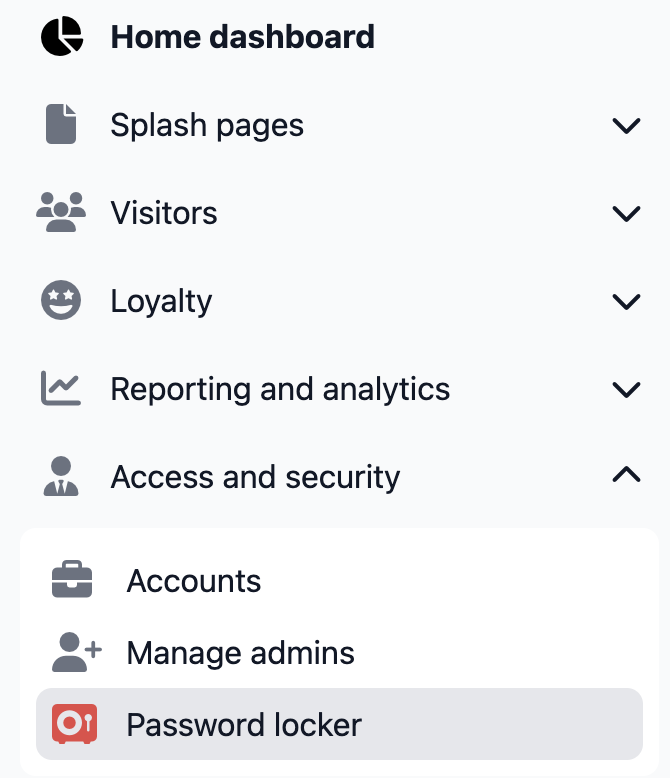
- Enter a unique name, so that it is easily identifiable later when we edit the splash page settings
- Enter your client id and client secret provided to you by your SevenRooms account representative
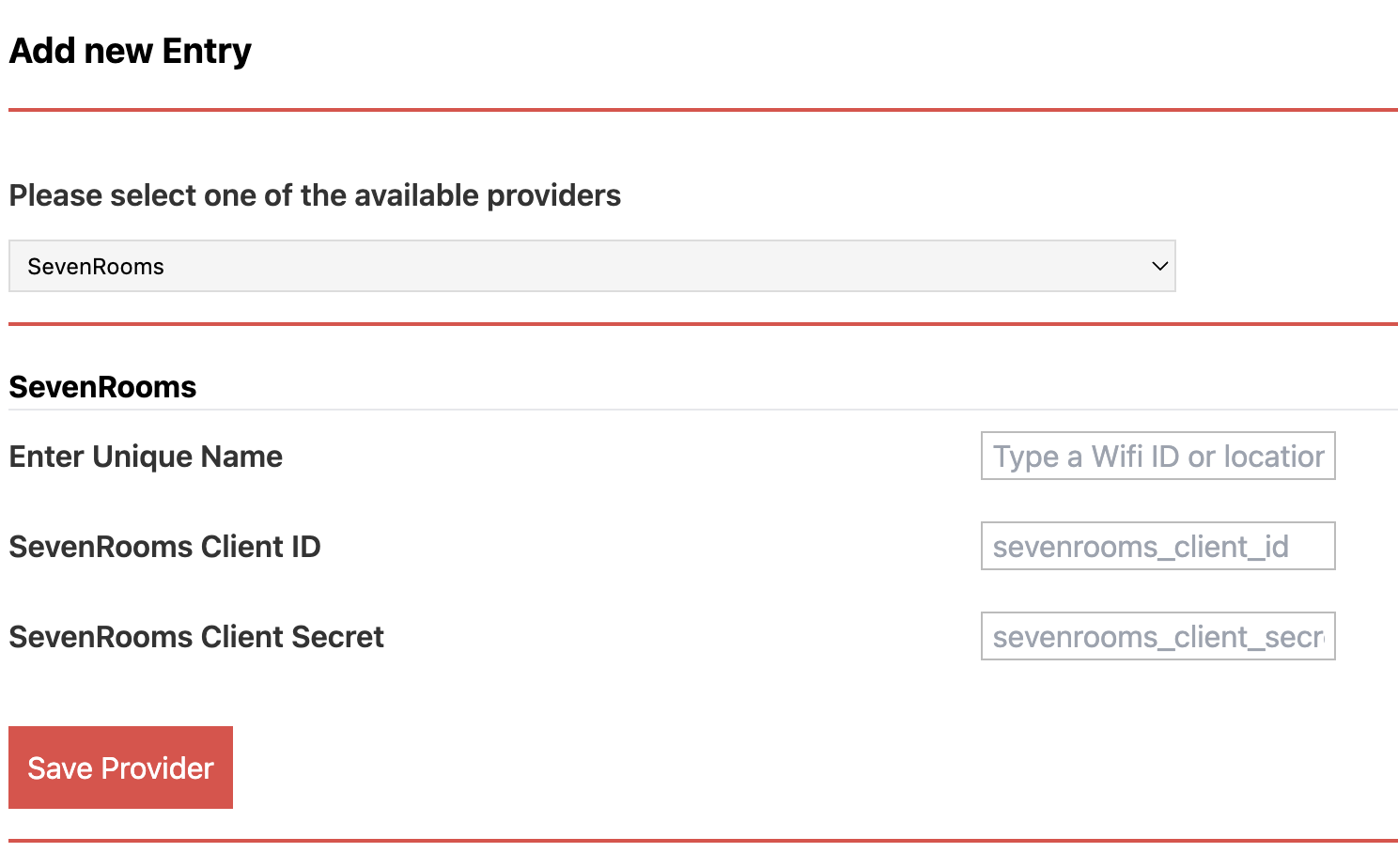
- Click Save Provider
Linking your splash page to your SevenRooms account
- Edit your splash page
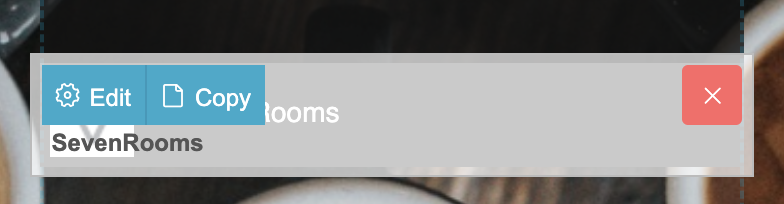
- Drag the SevenRooms connector anywhere onto your splash page:

- While hovering over the widget click EDIT
- Select your SevenRooms entry you created in Password Locker
- Enter the venue group ID (provided by Fydelia if you don't have it)
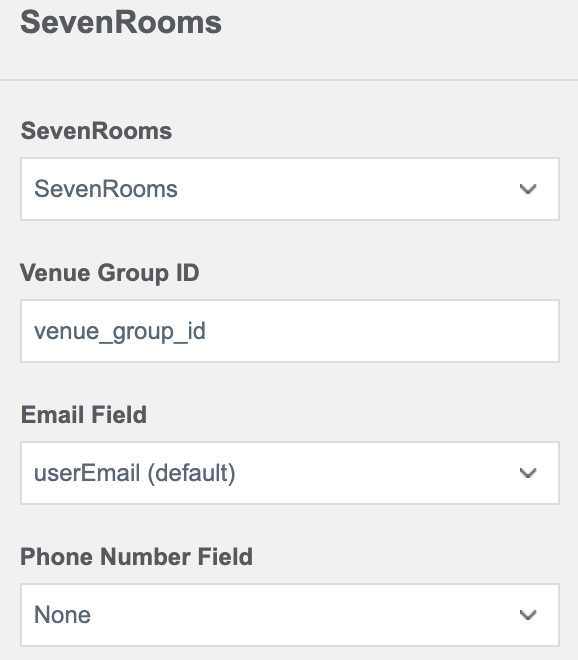
- Click Save Changes
- Publish your page
You're all set! Fydelia will now automatically push guest login data to your SevenRooms account